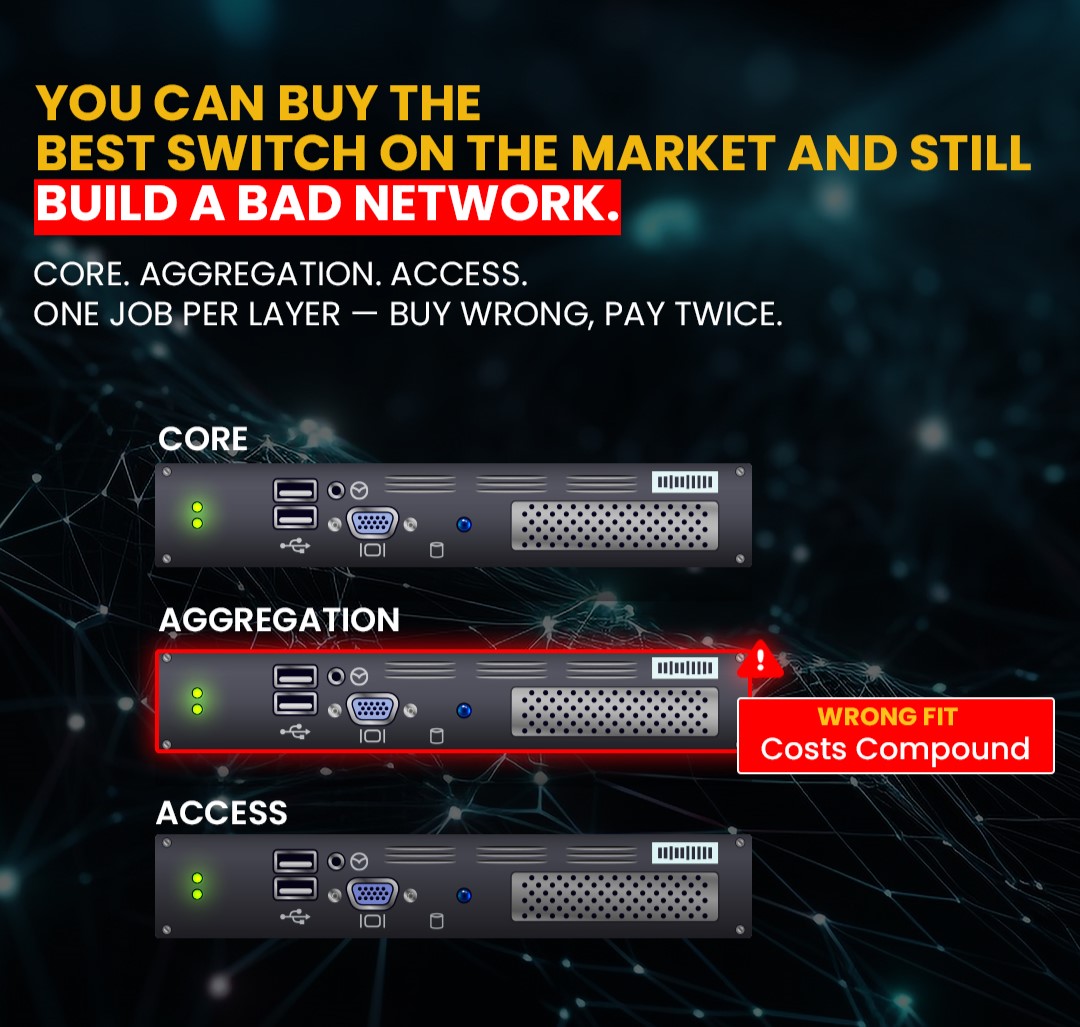
You can buy the best switch on the market and still build a bad network.
It happens all the time. A refresh budget lands, someone buys “top-spec” hardware for every closet, and six months later the VoIP phones crackle, the Wi-Fi 7 APs crawl at half speed, and the core is drowning in broadcast traffic it was never meant to touch.
Here’s the truth: the failure isn’t the hardware. It’s putting the right hardware in the wrong layer.
Enterprise networks have solved this problem for decades with one idea: the three-tier hierarchical model — Core, Aggregation, Access. Each layer has one job. Buy for that job, and the network hums. Blur the jobs, and you’re paying twice — once for the wrong switch, once for the forklift replacement.
Let’s walk the layers the way traffic actually flows from the backbone down to the desk.
The Core: One Job — Move Packets. Fast.
Think of the core as a motorway. No traffic lights, no toll booths, no inspections. Just speed.
Its only mandate is moving traffic between aggregation blocks, data centres, and edge routers without becoming the bottleneck. That shapes everything you buy:
- Terabit-class, non-blocking switching. High-density 40/100/400GbE. If the backplane can’t forward at line rate, nothing else matters.
- Carrier-grade redundancy. Dual route processors, hot-swappable PSUs, N+1 fans, sub-second failover (MC-LAG, StackWise / VSS). When the core hiccups, everything hiccups.
- Pure Layer 3. BGP, OSPF, hardware-based forwarding — and nothing else. No deep packet inspection, no heavy ACL filtering.
That last point is where designs go wrong. Every rule you enforce at the core is latency you bought on purpose. Policy doesn’t belong here. It belongs one layer down.
The Aggregation Layer: Where Your Network Gets Its Brain
If the core is the motorway, aggregation is the border crossing — and it’s doing three jobs at once:
- Terminating the chaos below. VLANs end here. Broadcast domains stop here. Inter-VLAN routing lives here. The Layer 2/Layer 3 boundary is this layer.
- Enforcing policy. ACLs, Dynamic ARP Inspection, DHCP snooping, QoS policing. The aggregation layer shields the core from every misbehaving device on the edge.
- Fanning in fiber. Dense SFP+/SFP28/QSFP+ ports — 10/25/40GbE — pulling dozens of access closets into redundant uplinks.
But here’s the question that actually decides your architecture:
Do you even need a separate aggregation layer?
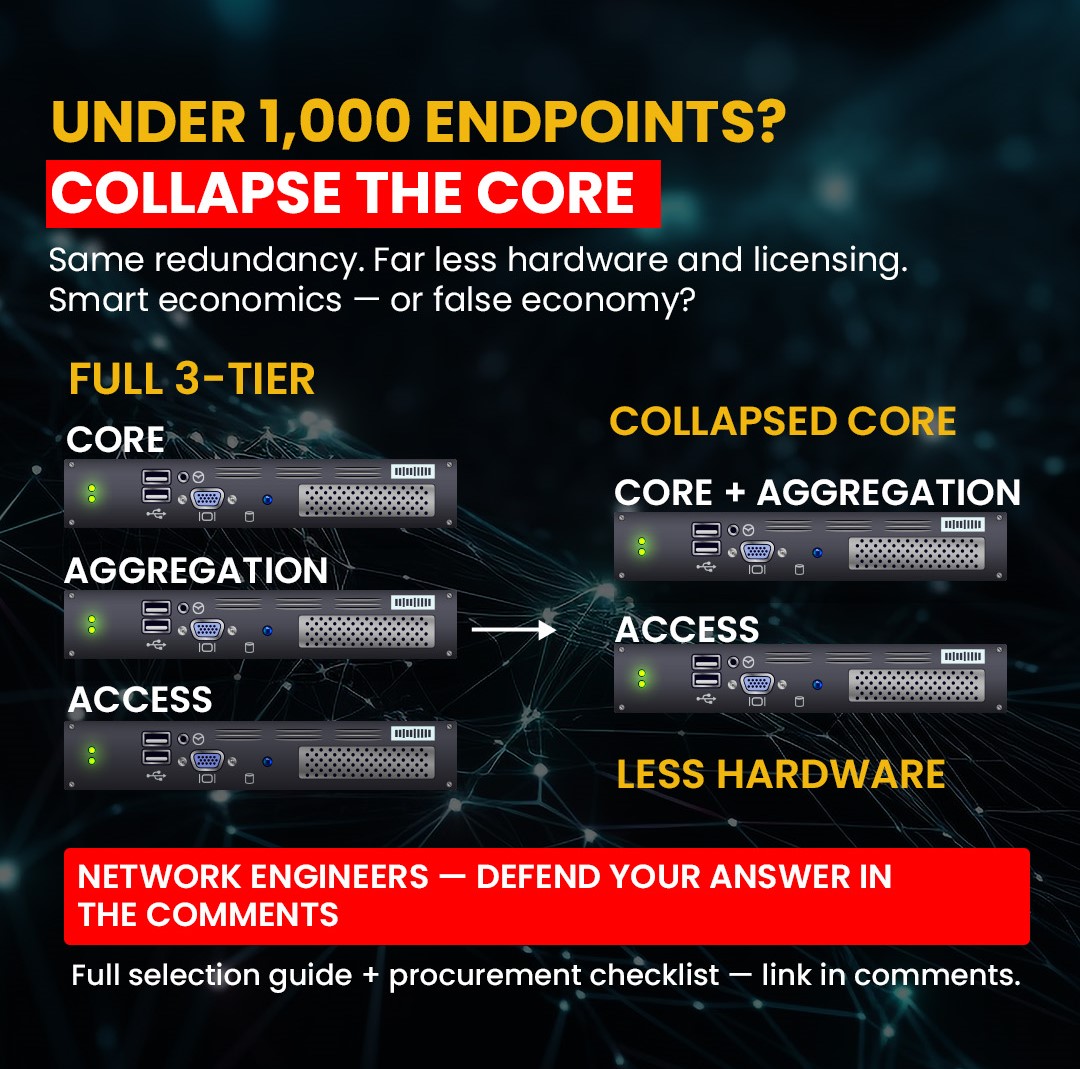
Under roughly 1,000 endpoints, probably not. A collapsed core design merges core and aggregation into one pair of switches — same redundant L3 boundary, dramatically lower hardware and licensing spend. Plenty of mid-size campuses burn budget on a full three-tier build because “that’s the enterprise way.” It isn’t a law. It’s a scaling tool.
The Access Layer: The Closet That Quietly Became Critical
Ten years ago, access switches were commodities. Dumb pipes with RJ45 ports. Not anymore. The access layer now powers the building:
- PoE is the new electricity. 30W (PoE+) for phones, 60W (UPOE) for PTZ cameras, 90W (802.3bt) for Wi-Fi 6E/7 access points and smart lighting. Your switch PoE budget is now a facilities decision.
- mGig is the new baseline. Wi-Fi 7 APs saturate 1GbE uplinks without trying. 2.5/5GbE over your existing Cat6A cabling beats a re-cabling project every time.
- Security starts at the port. 802.1X authentication, MAC Authentication Bypass, dynamic VLANs. In a Zero Trust world, the edge port is your first checkpoint — not the firewall.
But it gets better: get the access layer right, and every layer above it gets cheaper. Cleanly authenticated, properly powered endpoints generate fewer storms for aggregation to filter and fewer anomalies for the core to swallow.
The 60-Second Selection Matrix
Screenshot this for your next vendor meeting:
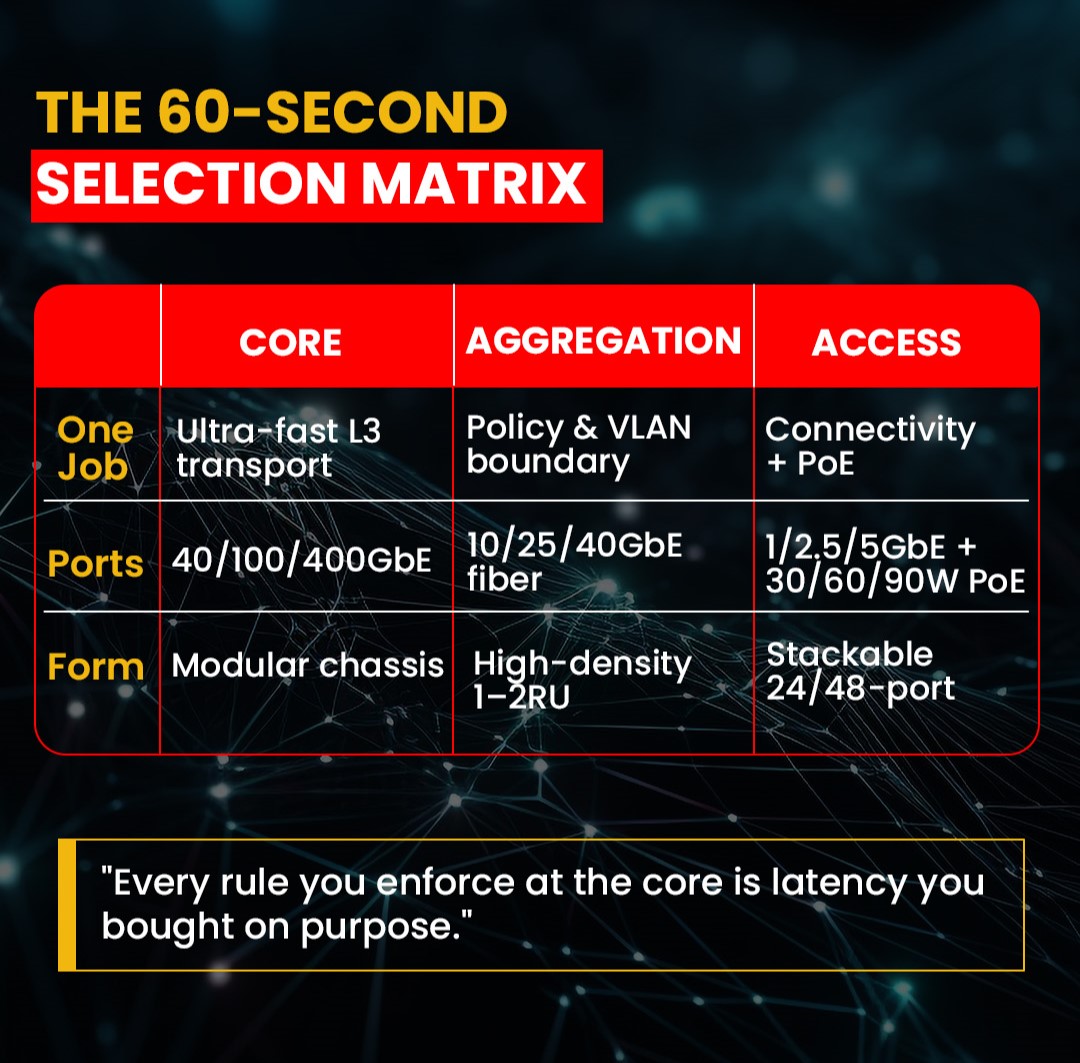
| Metric | Core | Aggregation | Access |
|---|---|---|---|
| One job | Ultra-fast L3 transport | Policy, routing, VLAN boundary | Connectivity + PoE + 802.1X |
| Ports | 40/100/400GbE QSFP | 10/25/40GbE fiber | 1/2.5/5GbE RJ45 + SFP uplinks |
| PoE | None (fiber) | Rare | Critical — 30/60/90W |
| Form factor | Modular chassis / spine | High-density 1–2RU | Stackable 24/48-port 1RU |
Before You Sign the Purchase Order
Three numbers decide whether your refresh survives its 5–7-year lifecycle:
- Total PoE budget — sum every camera, AP, and light, then add 30%. Power math is where access-layer refreshes die.
- Backplane headroom — non-blocking at year-seven loads, not day-one load.
- Expansion path — stacking or modular chassis, so growth means adding a line card, not a forklift.
The three-tier model isn’t bureaucracy. It’s the reason a camera failure on floor two never takes down your data centre.
Now the question we argue about internally: for a campus under 1,000 endpoints, would you still spec a full three-tier build — or collapse the core and pocket the savings? Defend your answer in the comments.
Planning a Campus Refresh or Network Redesign?
Gerry’s IT designs and deploys core-to-edge enterprise networks across Pakistan — from architecture to structured cabling.